
Order
groceries. Stay in the chat.
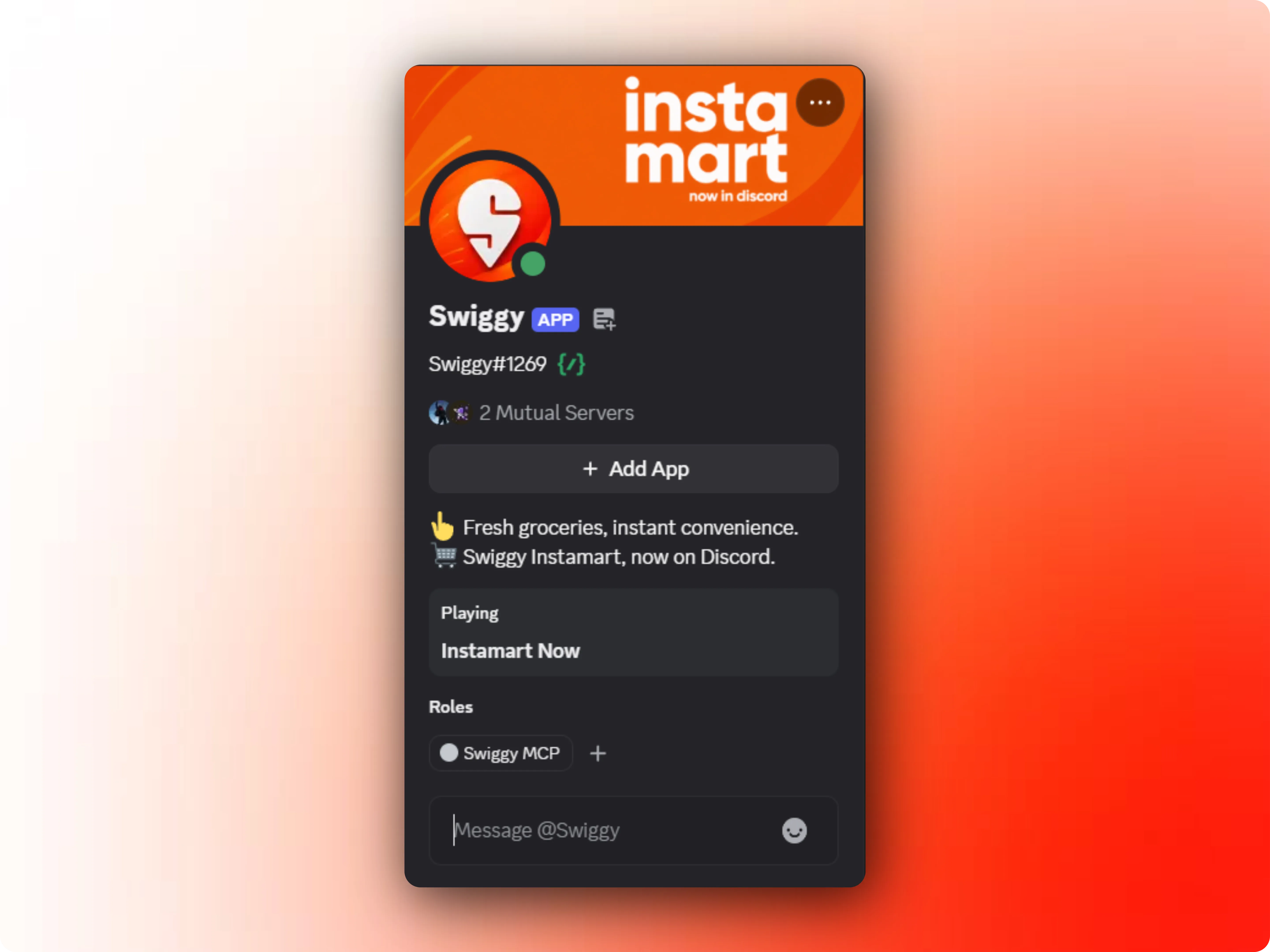
Swiggy In Discord brings Instamart to your server. Link your Swiggy account once, then order everything from milk to mozzarella with a slash command - no tabs, no apps, no FOMO on #general.
fresh out of dal and it's 11pm. anyone ordering today? 😩

I've got you. Log in once with your Swiggy account and Instamart is right here in the chat.
/login adding bread & eggs to the cart
You're logged in 🧡 Instamart is all yours.
 Instamart cart
Everything, in the one place you already hang out.
No new apps to download, no tabs to juggle. Just a bot that brings Swiggy to your community.
One-Time Secure Login
Link your Swiggy account with a single secure auth. Your password never touches the bot - Swiggy's own official login handles it.
Instamart in the Chat
Shop essentials the way you talk - fast, casual, right where the conversation is. Pin the order, tag the server, move on.
Your Cart, Your Call
See what's in your Instamart cart, tweak quantities, and clear it out - all without leaving the Discord server.
Built for the Whole Server
One person logs in, and the whole gang can chip in on a single order - groceries for movie night, snacks for game night, or emergency chai.
Works in Any Server
From a 5-friend group to a 5,000-member community, the bot scales to fit your server. No minimums, no restrictions.
Slash-Command Simple
Use /login, /order, /cart, and more. Commands you already know how to use, right inside the chat where you hang out.
Real-Time Order Tracking
Watch your delivery status update live in the channel - from restaurant confirmation to the rider at your door.
No New Apps, No Tabs
Everything happens inside Discord. No switching between apps, no copy-pasting addresses, no juggling browser tabs.
From invite to doorstep in four steps.
No setup screens, no install guides. If you can run a slash command, you can do this.
Add the bot to your server
Hit “Add to Discord”, pick a server, and approve the permissions. Takes under a minute.
Link your Swiggy account
Run /login and follow the secure sign-in. Your password stays with Swiggy - the bot never sees it.
Order with a command
Browse Instamart, check your cart, and order using simple slash commands. The whole server can join in.
Groceries arrive. Chat continues.
Track your delivery without tab-hopping, and never miss the next meme in the group.
Quick answers.
Everything people usually ask before hitting "Add to Discord".
It brings Swiggy Instamart into your Discord server. Link your Swiggy account once, then browse, cart, and order groceries right from the chat using slash commands. No new apps, no leaving the server.
Yes. Adding the bot to your server is free, and it stays free. You only pay Swiggy for your orders, the usual way.
Yes. Login uses Swiggy's own official, secure sign-in flow - the bot never sees or stores your password. Your session can be disconnected anytime with /logout.
Today: /login, /logout, /authstatus and /ping. Instamart cart and ordering commands are rolling out next - join the support server to be first in line.
The bot orders through Swiggy Instamart, so wherever Instamart delivers in your city, the bot works. If Instamart isn't available at your address yet, your order will let you know right away.
Join the Swiggy In Discord support server and tell us - or write to support@swiggyinsidediscord.tech. We read everything.
Your next order is one command away.
Add Swiggy to your server in two minutes. The group chat will thank you - especially at 11 pm.
Add Swiggy In Discord